Quick Start Guide
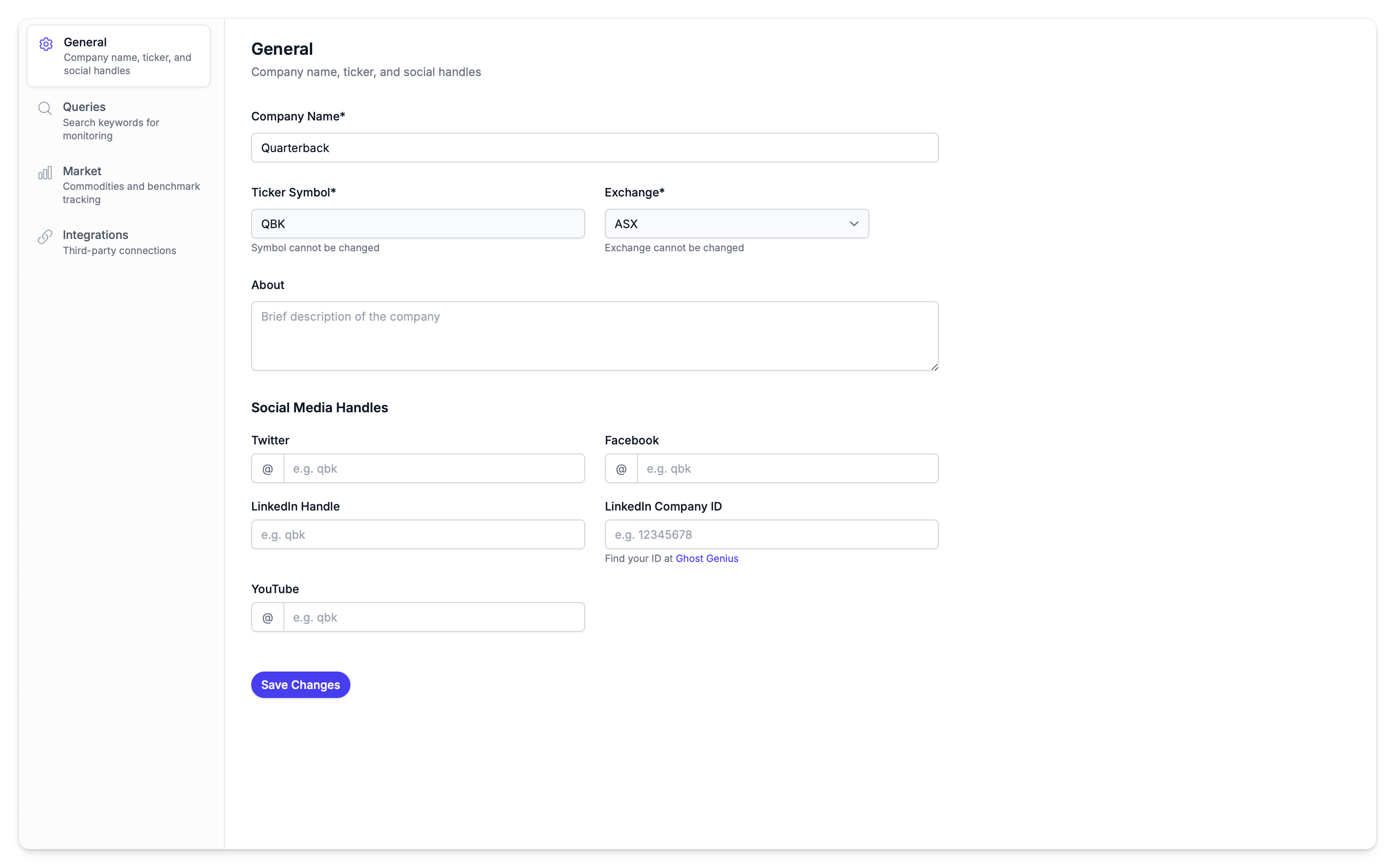
Everything is configured during onboarding — company profile, benchmark, social monitoring, and integrations are all set up before you log in. Here's what to expect when you get started.
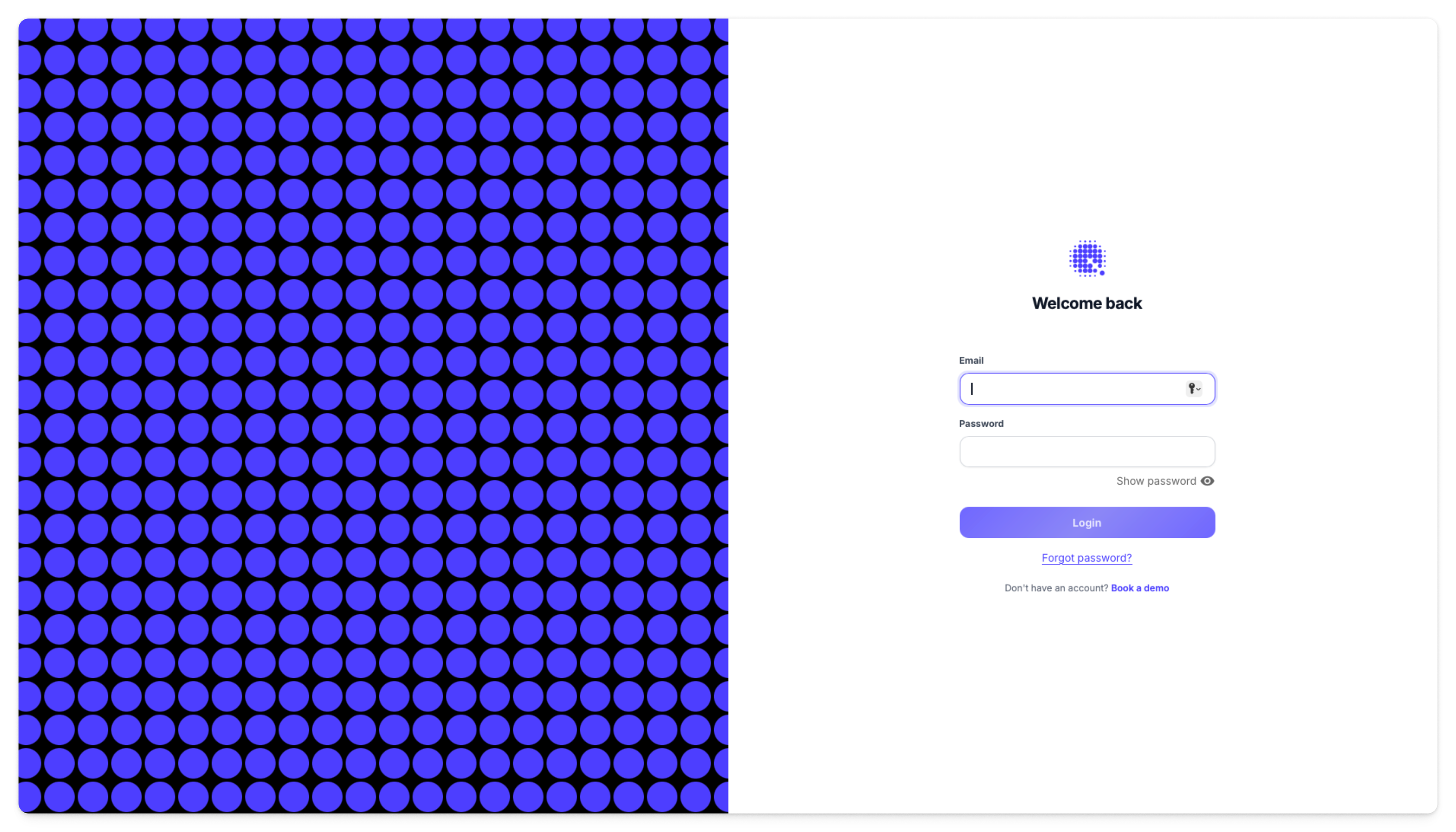
1. Log In
Navigate to app.qback.au and sign in with the credentials provided during onboarding.
2. What's Already Configured
The following settings are in place from onboarding:
| Setting | What It Controls | Learn More |
|---|---|---|
| Company Profile | Company name, ticker, social handles — powers reports and activity matching | Company Profile |
| Benchmark & Commodities | Index comparison and commodity tracking for abnormal returns and correlation | Market Settings |
| Social Monitoring | Search queries that determine which social posts, news, and forums are tracked | Social Accounts |
| Integrations | Connected services like Mailchimp for campaign analytics | Integrations |
3. Explore the Dashboard
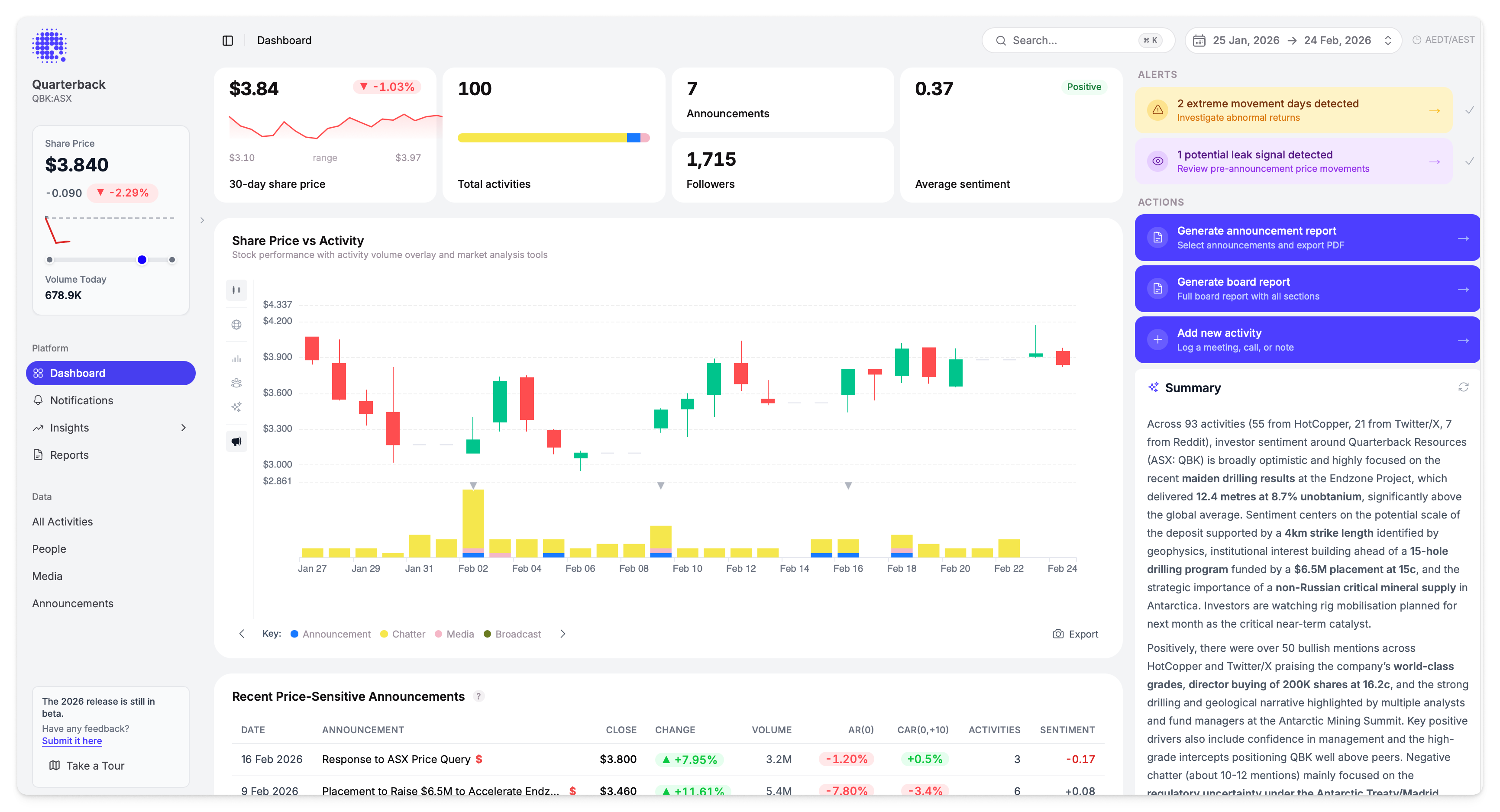
The Dashboard shows:
- Stats bar — Activity count, media coverage, follower metrics
- Share price vs activities chart — Price movement overlaid with activity volume
- Stock vs index performance — Performance against the configured benchmark
- Sentiment distribution — Breakdown by platform
- AI summary — Key trends and patterns
4. Set Up Notifications
Notifications let Quarterback alert you when something happens. Navigate to Notifications to see available alert types:
| Recommended Alert | Why |
|---|---|
| Daily Recap | Comprehensive daily summary — good starting point for any company |
| Media Activity | Never miss news coverage |
| Price Movement (5%) | Alert on significant price moves |
See Notifications for all notification types and configuration options.
5. Add Your Team
Quarterback works best when everyone who needs market intelligence can see it — the IR lead, the CEO, the company secretary, external advisors.
If you're the account owner, navigate to Settings → Team Members and click Invite team members. Each person receives an onboarding email with their login details, and everyone shares the same organisation data while keeping their own alert preferences.
See Team Members for the full guide to adding and removing team members.
Next Steps
Explore these features:
- Activities — See every conversation about the company
- Announcements — Track ASX announcements and their market impact
- Reports — Generate board-ready reports
- Abnormal Returns — Understand AR, CAR, and unusual-day detection
- Correlation & Beta — How r and β explain your relationship to a benchmark
Need help? Contact us at support@qback.au