Company Profile
The company profile is the foundation of Quarterback — it powers reports, activity matching, and social tracking. These details are configured during onboarding.
Settings → General
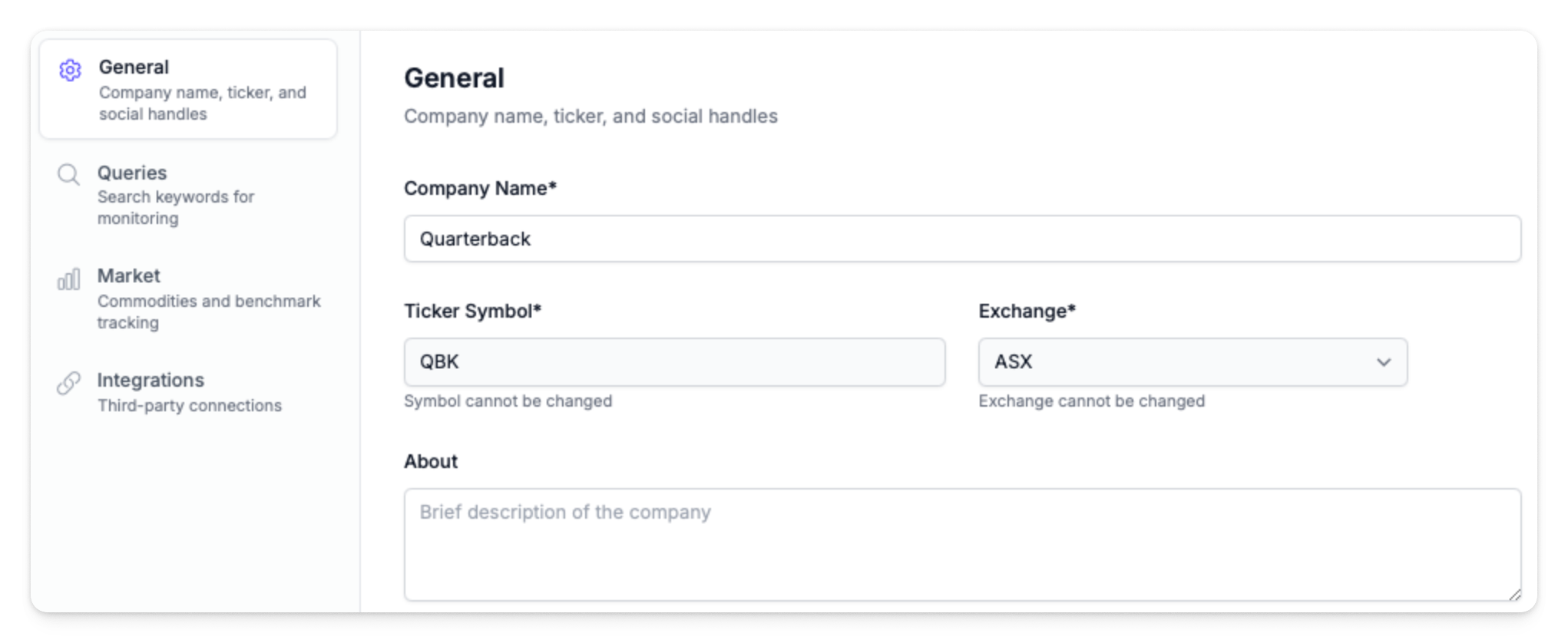
General Settings
| Field | Description |
|---|---|
| Company Name | Display name throughout the platform — appears in reports, dashboards, and exports |
| Ticker Symbol | ASX ticker symbol |
| Exchange | Stock exchange (defaults to ASX) |
| About | Company description for context. Optional, but included in reports |
Social Media Handles
Official social accounts are linked during onboarding so Quarterback can distinguish company communications from third-party discussion.
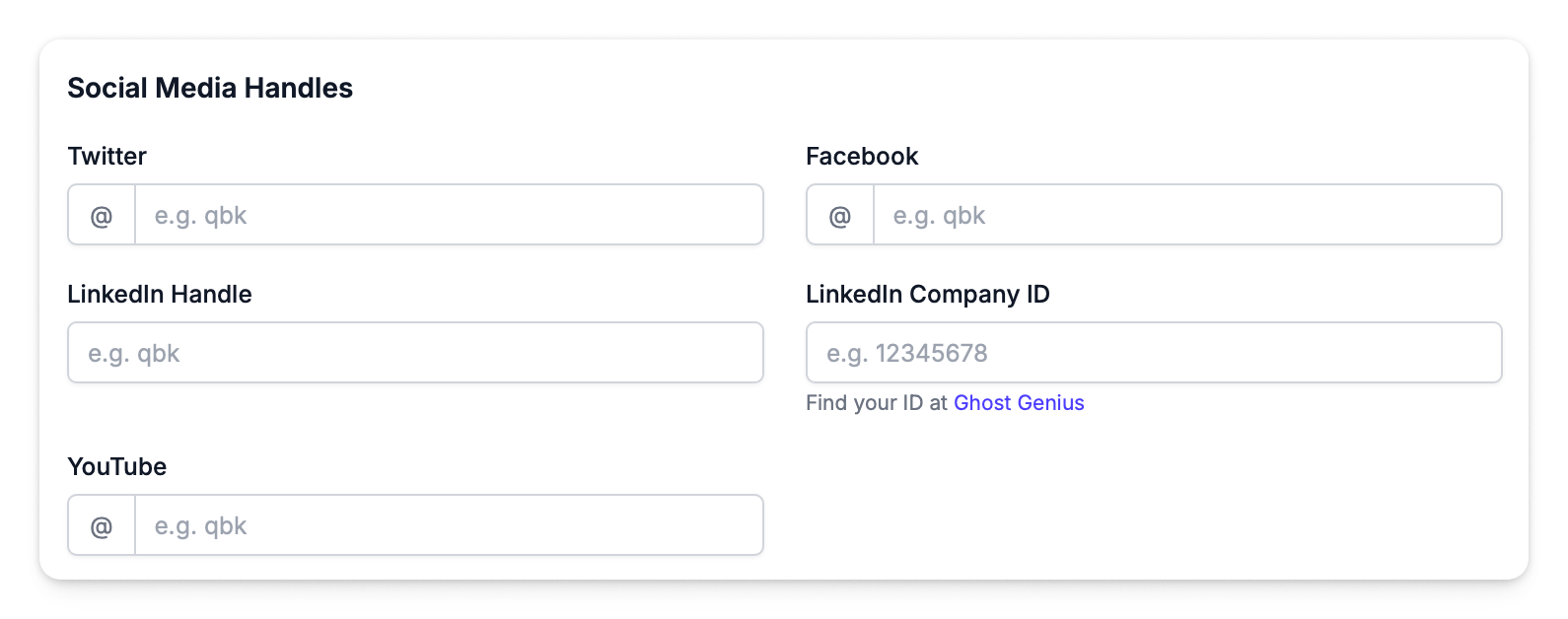
| Field | Description |
|---|---|
| Company @handle | |
| Company @handle | |
| Company page username | |
| LinkedIn Company ID | Numeric ID used for follower tracking |
| YouTube | Company @channel handle |
info
These handles are used to tag company posts as "Broadcast" format in the activities grid, distinguishing official communications from third-party discussion.