Adding Activities
Not everything is captured automatically. Calls with investors, meetings, presentations, industry events, or posts from platforms not yet integrated — you can add these yourself so they appear alongside your tracked activities.
How It Works
Click + New Activity in the Activities toolbar to open the activity form.
You'll first choose a format, then fill in the details.
Step 1: Choose a Format
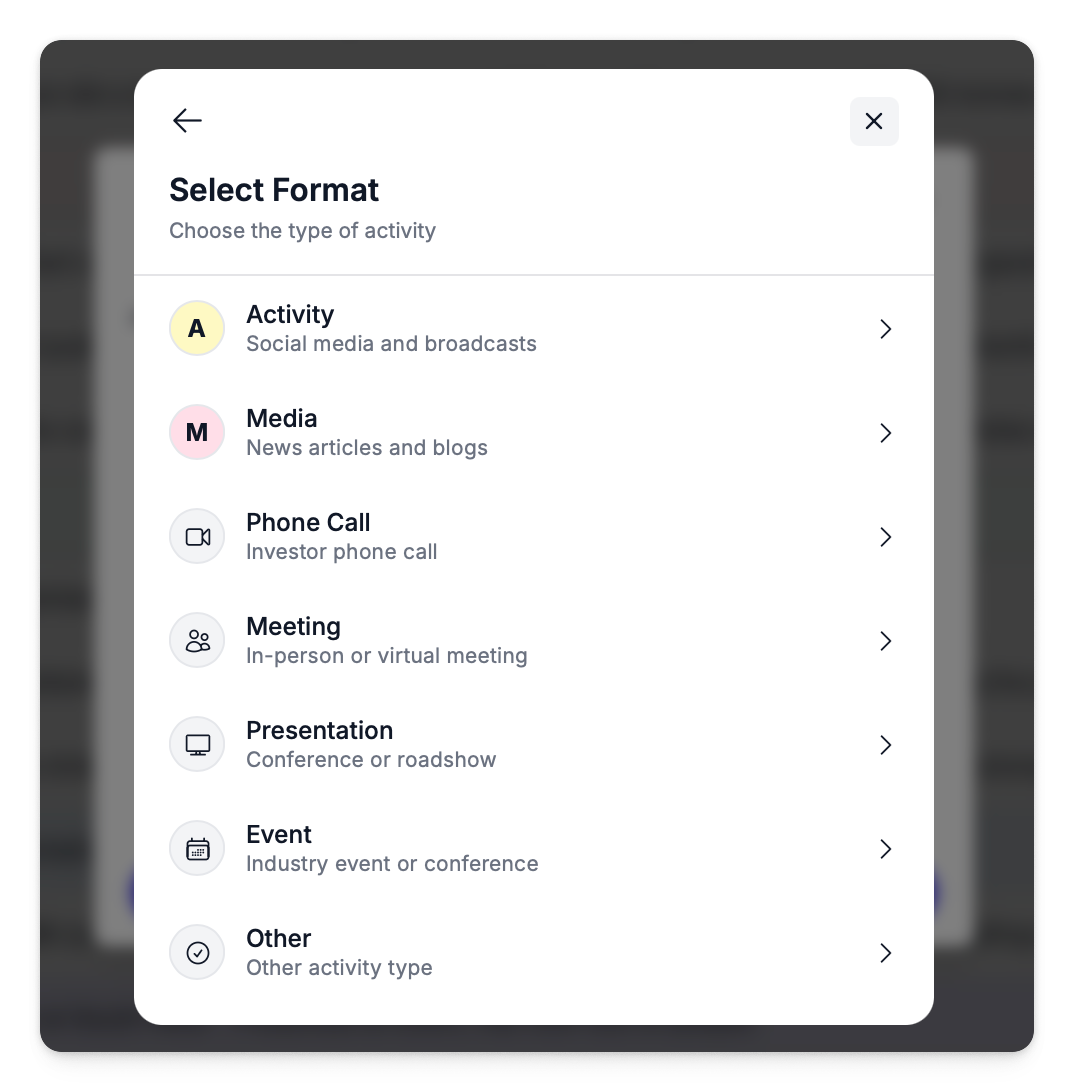
| Format | Description |
|---|---|
| Activity | A social media post — select from 50+ platforms (Twitter/X, LinkedIn, Reddit, etc.) |
| Media | A news article or blog post — search for the publisher |
| Phone Call | An investor or stakeholder phone call |
| Meeting | An in-person or virtual meeting |
| Presentation | A conference talk or roadshow presentation |
| Event | An industry event or conference (supports date ranges) |
| Other | Anything that doesn't fit the above categories |
Step 2: Fill In the Details
Social Posts (Activity)
After selecting Activity, you'll choose a platform from the full source list — Twitter/X, LinkedIn, Reddit, Facebook, YouTube, and 30+ more.
| Field | Required | Notes |
|---|---|---|
| Date | Yes | When the post was published |
| Source | Yes | The social platform |
| Content | Yes | The post content |
| URL | No | Link to the original post (validated per platform) |
| Image URL | No | Link to an attached image |
| Person | No | Link to an existing author or create a new one |
| Media upload | No | Attach a file |
News Articles (Media)
After selecting Media, you'll search for the publisher by name.
| Field | Required | Notes |
|---|---|---|
| Date | Yes | Publication date |
| Source | Yes | Publisher name (searchable) |
| Content | Yes | Article content or summary |
| URL | No | Link to the article |
| Image URL | No | Featured image URL |
| Paid content | No | Toggle if this is sponsored or paid media |
Calls, Meetings & Presentations
These three formats share the same fields:
| Field | Required | Notes |
|---|---|---|
| Date | Yes | When it occurred |
| Title | Yes | A descriptive title |
| Description | No | Notes, agenda, or summary |
| URL | No | Link to related materials |
| Image URL | No | Attach a relevant image link |
| Person | No | Link to an attendee or contact |
Events
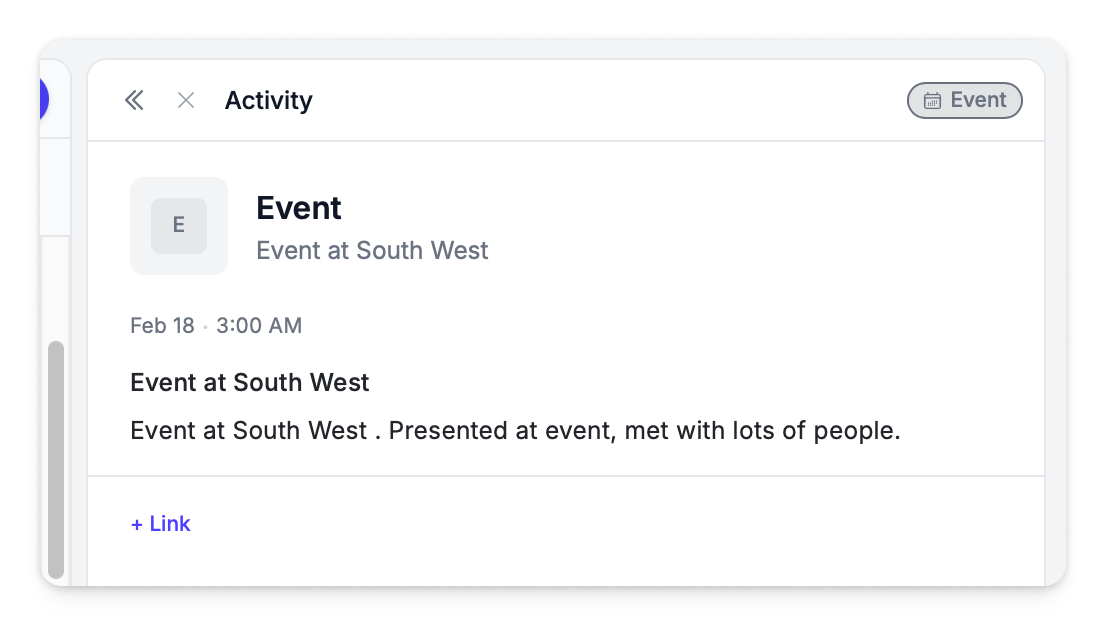
Events work like meetings but support a date range — useful for multi-day conferences or roadshows.
| Field | Required | Notes |
|---|---|---|
| Start date | Yes | Event start |
| End date | No | Event end (for multi-day events) |
| Title | Yes | Event name |
| Description | No | Details or notes |
| URL | No | Link to event page |
| Image URL | No | Event branding or photo |
| Person | No | Key contact or speaker |
Other
A catch-all for anything that doesn't fit the standard categories. Uses the same fields as calls, meetings, and presentations.
Linking a Person
For any format except Media, you can optionally link the activity to a person. Start typing to search existing authors, or create a new person record on the spot.
Where Manual Activities Appear
Once saved, manual activities appear in the Activities grid alongside all automatically tracked content. They are included in:
- Dashboard charts and stats
- Reports — board reports and announcement reports
- Sentiment analysis (if sentiment is provided)
- Export — included in CSV exports
Manual activities are tagged with their format (Phone Call, Meeting, Event, etc.) so they're easy to identify and filter.